Mod APK Mobile Legends full version



Mobile Legends


Program available in English Program license Free - System Android


Category : Strategy
Program  : Free
Version  : 1.4.47.4822
Size     : 99 MB
Works under : Android
Package name : com.mobile.legends
Votes : 179 Votes / Ratting : 4
Program by : Moonton UNIT 17, 9/F, TOWER A, NEW MADARIN PLAZA, No. 14 SCIENCE MUSEUM RD, TST, KL
Content rating - Teen

Watch Mobile Legends Video Review 

Review - Mobile Legends 

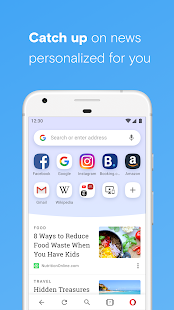
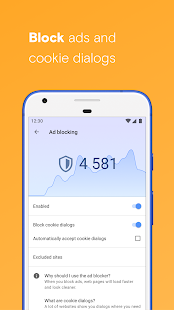
Mobile Legends is an Android browser that is a limited version of the regular UC Browser. It has many of the same features that made the UC Browser popular. It is a great alternative browser if you want something simpler than the traditional browsers for Android.  Mobile Legends has many great features. One feature is that it is a very fast browser for downloading files or watching videos. Another feature is that video playback can be controlled by gestures. Also, Mobile Legends has an incognito mode to secure your privacy. The browser additionally has a Night Mode which makes it easier to read text when it is dark.  The browser is very well designed. The user-interface is very stylish and clean, letting you focus on what you are doing. The tab management is simpler and easier to use than it is for most Android browsers. A quick-search feature allows you to search right from the navigation bar. In addition, navigation cards allow you to get updates about news and events based on your location.  Pros:  Fast download speeds Intuitive user-interface Small and fast browser Many useful features  Cons:  Not as many features as in standard browsers Night Mode may not work well depending on system brightness settings Built-in download manager doesn’t always work as expected

Screenshots Mobile Legends 



What Is New 

1. New Hero: The Shadow of Twilight, Carmilla will be available on Jan 17 (Server Time). 2. New Arcade Mode: Magic Chess. Come fight with Little Commanders! 3. New Map: The 5v5 Festival Map "Spring Festival Carnival" will be available for a limited time. Don't miss out! 4. Spring Festival Exclusive Events available in mid-January: "Nostalgia" Partake in and get a Basic Skin! "Martis's Musical Party" Don't miss out on the chance to win a Battle Emote and Special Skin!
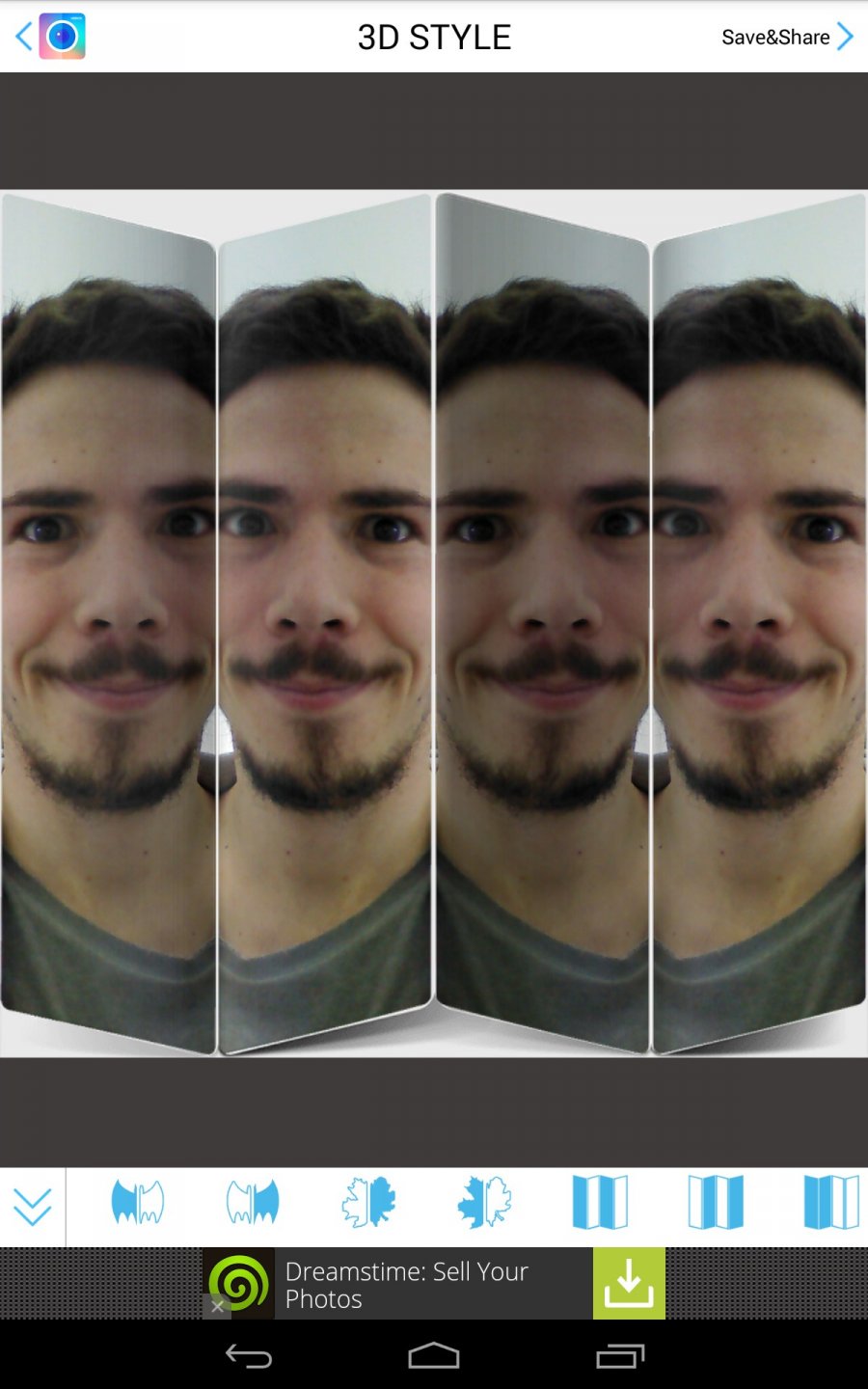
official Photo Mirror Original


Photo Mirror


Program available in Everyone Program license Free - System Android


Category : Photography
Program  : Free
Version  : 3.33
Size     : 12 MB
Works under : Android
Package name : Photo Group
Votes : / Ratting :
Program by : Photo Group
Content rating - com.baiwang.stylephotomirror

Watch Photo Mirror Video Review 

Review - Photo Mirror 

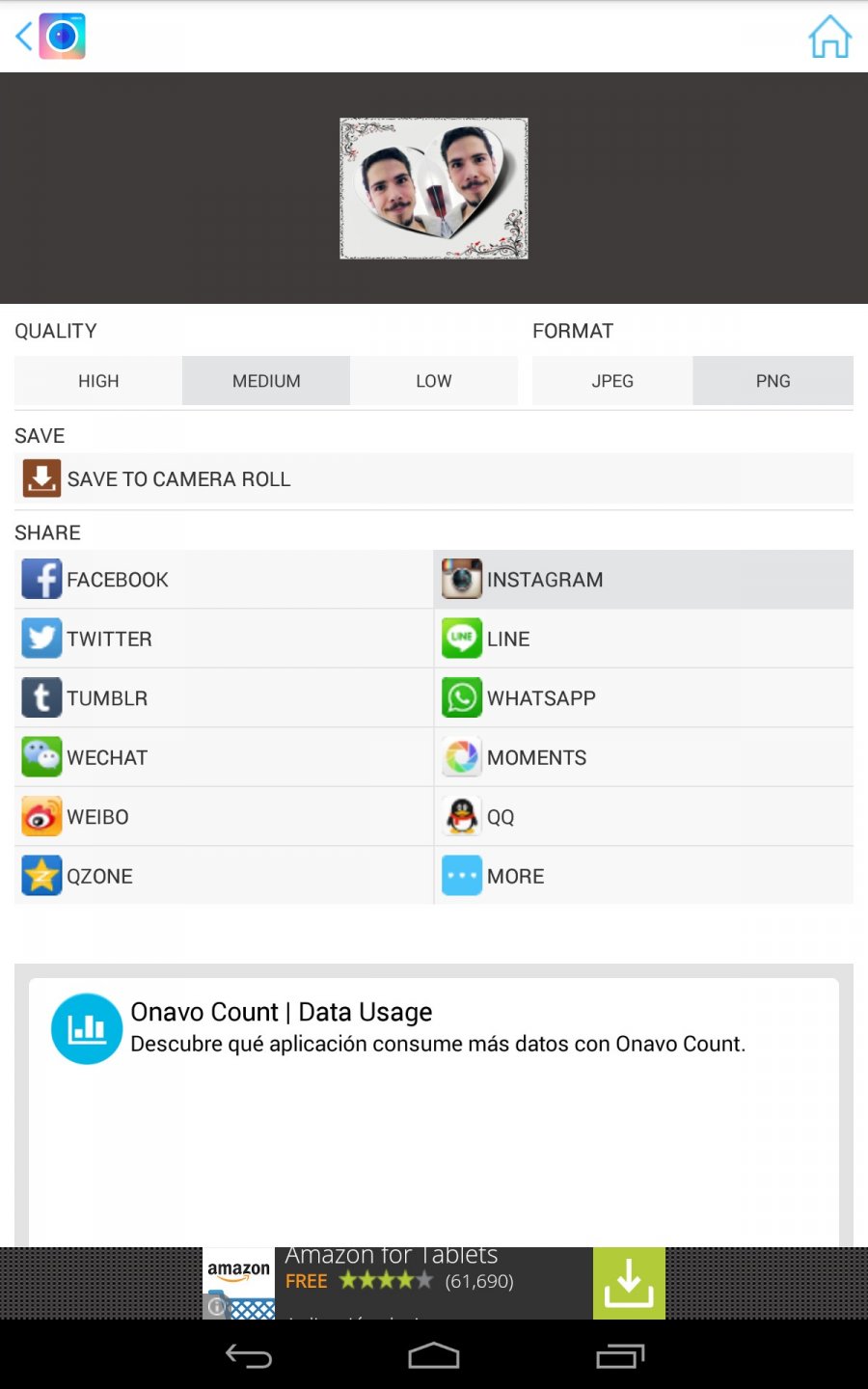
Photo Mirror is an Android browser that is a limited version of the regular UC Browser. It has many of the same features that made the UC Browser popular. It is a great alternative browser if you want something simpler than the traditional browsers for Android.  Photo Mirror has many great features. One feature is that it is a very fast browser for downloading files or watching videos. Another feature is that video playback can be controlled by gestures. Also, Photo Mirror has an incognito mode to secure your privacy. The browser additionally has a Night Mode which makes it easier to read text when it is dark.  The browser is very well designed. The user-interface is very stylish and clean, letting you focus on what you are doing. The tab management is simpler and easier to use than it is for most Android browsers. A quick-search feature allows you to search right from the navigation bar. In addition, navigation cards allow you to get updates about news and events based on your location.  Pros:  Fast download speeds Intuitive user-interface Small and fast browser Many useful features  Cons:  Not as many features as in standard browsers Night Mode may not work well depending on system brightness settings Built-in download manager doesn’t always work as expected

Screenshots Photo Mirror 


What Is New 

Version 3.32(Sep 29 , 2015) 1. Optimize the Home page .


Free APK Music Player - Audio Player full version


Music Player - Audio Player


Program available in English Program license Free - System Android


Category : Audio
Program  : Free
Version  : 3.8.0
Size     : 3 MB
Works under : Android
Package name : media.music.musicplayer
Votes : 84 Votes / Ratting : 4
Program by : Mobile_V5 Flat 2802, 28/F, LUNG HING HSE, WONGTAISIN EST LOWER, WONG TAI SIN, KLN, HK
Content rating - Everyone

Watch Music Player - Audio Player Video Review 

Review - Music Player - Audio Player 

Music Player - Audio Player is an Android browser that is a limited version of the regular UC Browser. It has many of the same features that made the UC Browser popular. It is a great alternative browser if you want something simpler than the traditional browsers for Android.  Music Player - Audio Player has many great features. One feature is that it is a very fast browser for downloading files or watching videos. Another feature is that video playback can be controlled by gestures. Also, Music Player - Audio Player has an incognito mode to secure your privacy. The browser additionally has a Night Mode which makes it easier to read text when it is dark.  The browser is very well designed. The user-interface is very stylish and clean, letting you focus on what you are doing. The tab management is simpler and easier to use than it is for most Android browsers. A quick-search feature allows you to search right from the navigation bar. In addition, navigation cards allow you to get updates about news and events based on your location.  Pros:  Fast download speeds Intuitive user-interface Small and fast browser Many useful features  Cons:  Not as many features as in standard browsers Night Mode may not work well depending on system brightness settings Built-in download manager doesn’t always work as expected

Screenshots Music Player - Audio Player 


What Is New 

v3.7.9 ??Improve loading speed, faster to startup ??Optimize a few issues, , more efficienct v3.7.8 ??Some new UI design, improve visual experience ??Optimize performance, better to enjoy music ??Customize playlist tracks number in Settings v3.7.7 ??Improved memory usage, better user experience ??Fix some minor bugs, run more stable v3.7.6 ??Improve music manage performance, faster to find ??Optimize notification bar UI, more easy to use


Mod APK Tattoo my Photo Original


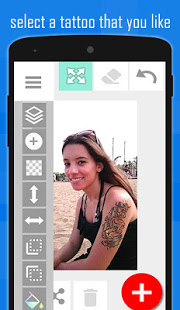
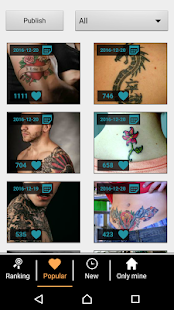
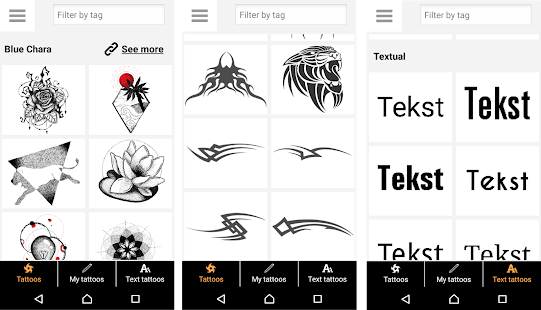
Tattoo my Photo


Program available in English Program license Free - System Android


Category : Photography
Program  : Free
Version  : 3.0.5
Size     : 33 MB
Works under : Android
Package name : com.mobile.bizo.tattoo.two
Votes : 98 Votes / Ratting : 4
Program by : ? Bizo Mobile ul. Borkowska 25B/30 30-438 Krakw, Polska
Content rating - Teen

Watch Tattoo my Photo Video Review 

Review - Tattoo my Photo 

Tattoo my Photo is an Android browser that is a limited version of the regular UC Browser. It has many of the same features that made the UC Browser popular. It is a great alternative browser if you want something simpler than the traditional browsers for Android.  Tattoo my Photo has many great features. One feature is that it is a very fast browser for downloading files or watching videos. Another feature is that video playback can be controlled by gestures. Also, Tattoo my Photo has an incognito mode to secure your privacy. The browser additionally has a Night Mode which makes it easier to read text when it is dark.  The browser is very well designed. The user-interface is very stylish and clean, letting you focus on what you are doing. The tab management is simpler and easier to use than it is for most Android browsers. A quick-search feature allows you to search right from the navigation bar. In addition, navigation cards allow you to get updates about news and events based on your location.  Pros:  Fast download speeds Intuitive user-interface Small and fast browser Many useful features  Cons:  Not as many features as in standard browsers Night Mode may not work well depending on system brightness settings Built-in download manager doesn’t always work as expected

Screenshots Tattoo my Photo 


What Is New 

(function($) { $(function() { // Find all YouTube videos var $allVideos = $("#tabs-4 .vcontainer iframe"), // The element that is fluid width $fluidEl = $("#tabs-4 .vcontainer"); // Figure out and save aspect ratio for each video $allVideos.each(function() { $(this) .data('aspectRatio', this.height / this.width) // and remove the hard coded width/height .removeAttr('height') .removeAttr('width'); }); // When the window is resized $(window).resize(function() { var newWidth = $fluidEl.width(); // Resize all videos according to their own aspect ratio $allVideos.each(function() { var $el = $(this); $el .width(newWidth) .height(newWidth * $el.data('aspectRatio')); }); // Kick off one resize to fix all videos on page load }).resize(); }); })(jQuery);


official Fildo free unlock


Fildo


Program available in English Program license Free - System Android


Category : Audio
Program  : Free
Version  : 1.11
Size     : 22 MB
Works under : Android
Package name : net.fildo.app
Votes : / Ratting :
Program by : Fildo.net
Content rating - Teen

Watch Fildo Video Review 

Review - Fildo 

Fildo is an Android browser that is a limited version of the regular UC Browser. It has many of the same features that made the UC Browser popular. It is a great alternative browser if you want something simpler than the traditional browsers for Android.  Fildo has many great features. One feature is that it is a very fast browser for downloading files or watching videos. Another feature is that video playback can be controlled by gestures. Also, Fildo has an incognito mode to secure your privacy. The browser additionally has a Night Mode which makes it easier to read text when it is dark.  The browser is very well designed. The user-interface is very stylish and clean, letting you focus on what you are doing. The tab management is simpler and easier to use than it is for most Android browsers. A quick-search feature allows you to search right from the navigation bar. In addition, navigation cards allow you to get updates about news and events based on your location.  Pros:  Fast download speeds Intuitive user-interface Small and fast browser Many useful features  Cons:  Not as many features as in standard browsers Night Mode may not work well depending on system brightness settings Built-in download manager doesn’t always work as expected

Screenshots Fildo 


What Is New 

Fixed a bug with downloads which cannot be played once has been downloaded Fixed QQMusic downloads too.


Download Google + Original


Google +


Program available in English Program license Free - System Android


Category : Social
Program  : Free
Version  : 11.6.0.288933932
Size     : 16 MB
Works under : Android
Package name : com.google.android.apps.plus
Votes : 51 Votes / Ratting : 4.1
Program by : Google LLC 1600 Amphitheatre Parkway, Mountain View 94043
Content rating - Teen

Watch Google + Video Review 

Review - Google + 

Google + is an Android browser that is a limited version of the regular UC Browser. It has many of the same features that made the UC Browser popular. It is a great alternative browser if you want something simpler than the traditional browsers for Android.  Google + has many great features. One feature is that it is a very fast browser for downloading files or watching videos. Another feature is that video playback can be controlled by gestures. Also, Google + has an incognito mode to secure your privacy. The browser additionally has a Night Mode which makes it easier to read text when it is dark.  The browser is very well designed. The user-interface is very stylish and clean, letting you focus on what you are doing. The tab management is simpler and easier to use than it is for most Android browsers. A quick-search feature allows you to search right from the navigation bar. In addition, navigation cards allow you to get updates about news and events based on your location.  Pros:  Fast download speeds Intuitive user-interface Small and fast browser Many useful features  Cons:  Not as many features as in standard browsers Night Mode may not work well depending on system brightness settings Built-in download manager doesn’t always work as expected

Screenshots Google + 


What Is New 

Performance enhancements and bug fixes.


free mod Opera Browser full version


Opera Browser


Program available in English Program license Free - System Android


Category : Utilities
Program  : Free
Version  : 56.0.2780.51441
Size     : 71 MB
Works under : Android
Package name : com.opera.browser
Votes : 116 Votes / Ratting : 4.3
Program by : Opera Gjerdrums vei 19 NO-0484 OSLO
Content rating - Everyone

Watch Opera Browser Video Review 

Review - Opera Browser 

Opera Browser is an Android browser that is a limited version of the regular UC Browser. It has many of the same features that made the UC Browser popular. It is a great alternative browser if you want something simpler than the traditional browsers for Android.  Opera Browser has many great features. One feature is that it is a very fast browser for downloading files or watching videos. Another feature is that video playback can be controlled by gestures. Also, Opera Browser has an incognito mode to secure your privacy. The browser additionally has a Night Mode which makes it easier to read text when it is dark.  The browser is very well designed. The user-interface is very stylish and clean, letting you focus on what you are doing. The tab management is simpler and easier to use than it is for most Android browsers. A quick-search feature allows you to search right from the navigation bar. In addition, navigation cards allow you to get updates about news and events based on your location.  Pros:  Fast download speeds Intuitive user-interface Small and fast browser Many useful features  Cons:  Not as many features as in standard browsers Night Mode may not work well depending on system brightness settings Built-in download manager doesn’t always work as expected

Screenshots Opera Browser 


What Is New 

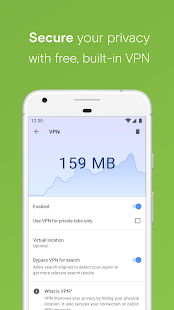
Thanks for choosing Opera! This version introduces a revamped night mode with eye-saver, night mode scheduling, support for dark web pages, improved news support and bottom bar tab-switching gestures. More changes: - Chromium 77 - Android 10 support - Improved VPN connectivity handling - Various fixes and stability improvements